




The Lowdown on
Vimeo
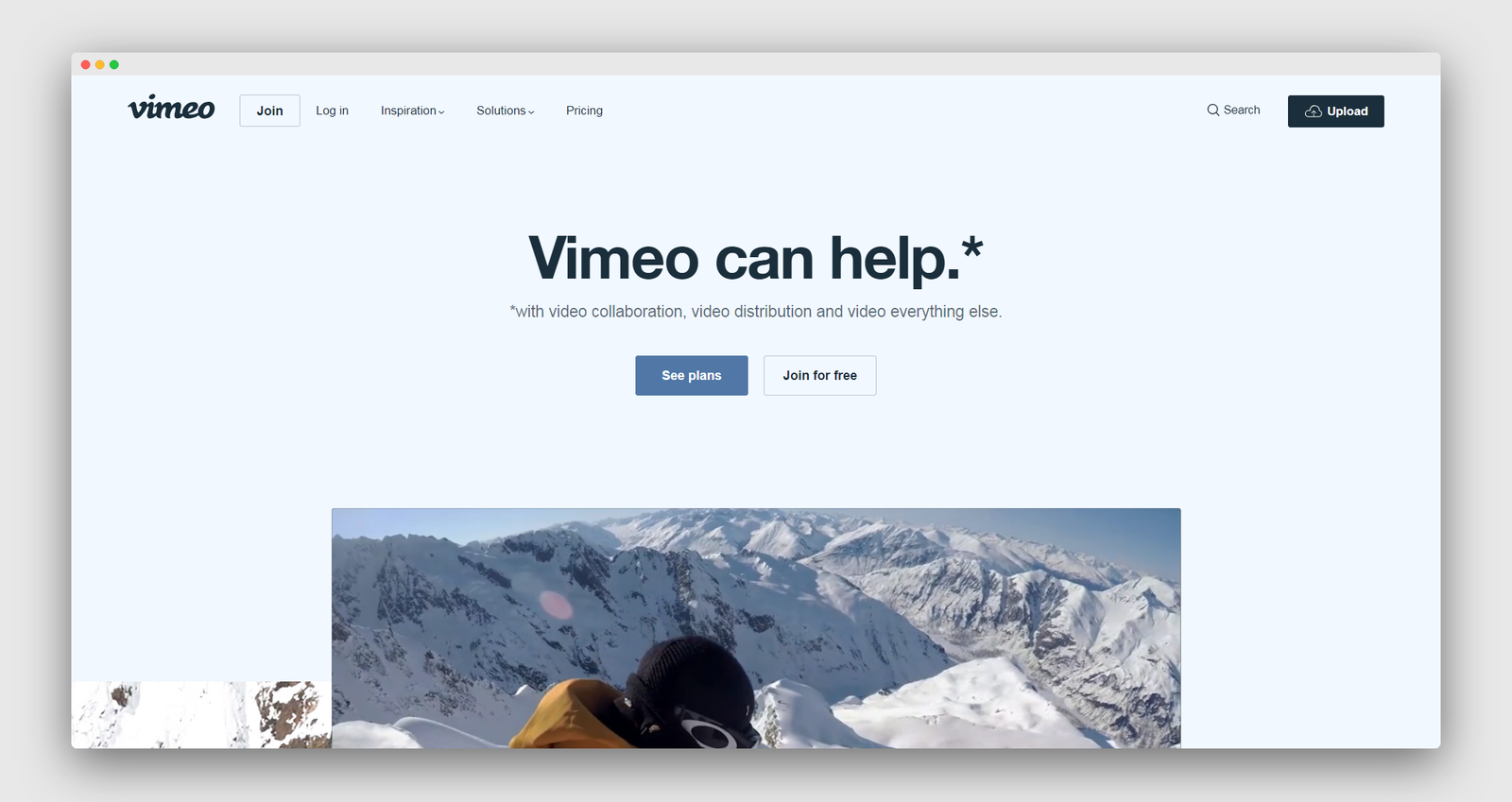
Vimeo can help.\\* \\*with video collaboration, video distribution and video everything else.
The NoCode.Tech Verdict on
Vimeo

Explore our rating
Explore our rating

How do I know which tool is right for me?
How do I know which tool is right for me?
When considering a no-code tool, we always recommend taking four key factors into account: ease of use, flexibility, design freedom, and cost-effectiveness.
Ease of use. How quickly can a non-technical person get productive with this tool? This is usually the most important factor if you are just getting started.
Flexibility. Can the tool handle the logic, integrations, and custom functionality your project needs as it grows?
Design freedom. Some tools give you pixel-level control, while others intentionally trade that away for speed and safer defaults.
Cost-effectiveness. Think about the real cost to launch and scale, not just the starting plan. A low score in one category does not make a tool bad, it usually just means it is optimized for a different type of builder.
Find out more about
Vimeo











Pricing options for
Vimeo

$
7
Plus
- 5GB/Week
- Video creation
- Player customization
- Privacy controls
- Unlimited screen and webcam recording

$
20
Pro
- 20GB/Week
- Everything in Plus +
- Review and approval
- Private team projects
- Customizable Showcase sites

$
50
Business
- Video creation with custom branding
- Player calls-to-action
- Lead generation
- Showcase SEO
- Google Analytics

$
75
Premium
- Unlimited live events & webinars
- Webinar registration (up to 100 registrants per event)
- Browser-based production tools
- Live stream to multiple destinations
- Live audience chat, Q&A, polls and graphics
- Basic viewer-level analytics for webinars