



The Lowdown on
ReadyMag
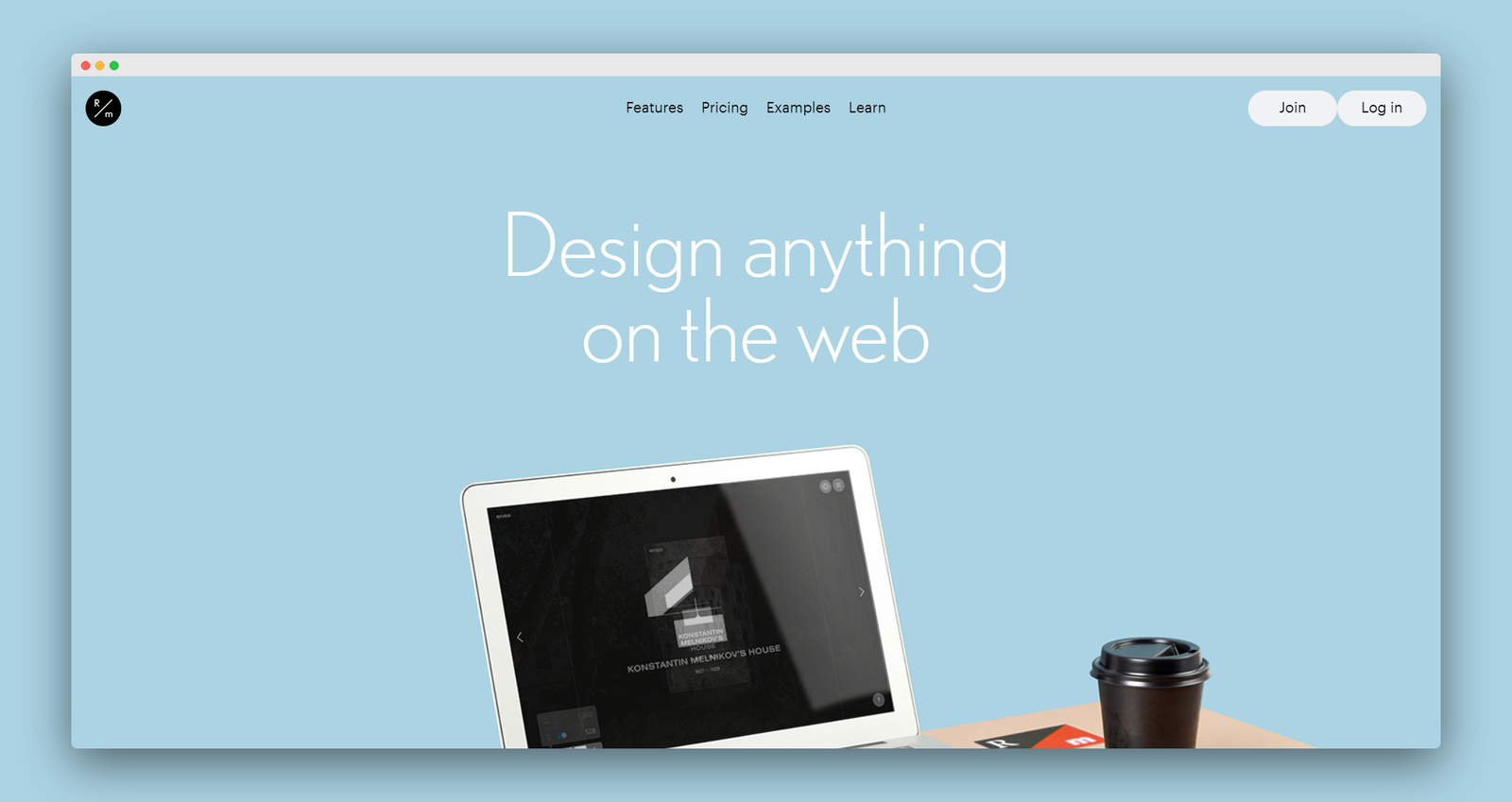
With Readymag you can create any kind of web publications using only one tool, including creating websites. Readymag gives you complete freedom over your creative process тАФ you donтАЩt have to think about any technical aspects. There are no limits and absolutely no coding required. Readymag has a great selection of tasteful templates to choose from, or if you are feeling particularly creative, start from a blank canvas and craft your own site using their intuitive drag and drop tools.
Readymag has an incredible selection of web fonts to choose from making it one of the more stylish options for creating a website. Readymag provides a completely free package to get you started. And it doesn't stop there; Readymag also lets you create magazines. photo stories, portfolios and presentations all in the same platform.
The NoCode.Tech Verdict on
ReadyMag
ReadyMag is a unique tool on this list, focused on creating on big, bold, design-heavy editorials, marketing pages and otherwise aesthetically-pleasing sites.
It comes with a lot of design freedom, especially if you want a site that feels like a magazine spread, and yet still provides great, affordable pricing and a short learning curve. Very recommended!

Explore our rating
Explore our rating

How do I know which tool is right for me?
How do I know which tool is right for me?
When considering a no-code tool, we always recommend taking four key factors into account: ease of use, flexibility, design freedom, and cost-effectiveness.
Ease of use. How quickly can a non-technical person get productive with this tool? This is usually the most important factor if you are just getting started.
Flexibility. Can the tool handle the logic, integrations, and custom functionality your project needs as it grows?
Design freedom. Some tools give you pixel-level control, while others intentionally trade that away for speed and safer defaults.
Cost-effectiveness. Think about the real cost to launch and scale, not just the starting plan. A low score in one category does not make a tool bad, it usually just means it is optimized for a different type of builder.
Pricing options for
ReadyMag

$
0
Free
- When you’re ready to connect a custom domain, choose a paid plan

$
0
Free
Design as many projects as you want and publish one for free with Readymag branding.
When you’re ready to connect a custom domain, choose a paid plan.

$
13.5
Personal
- 1 project with a custom domain
- 1 published project at a time

$
15
Personal
A streamlined plan for a portfolio or personal website.
- 1 project with a custom domain
- 1 published project at a time