




The Lowdown on
Descript
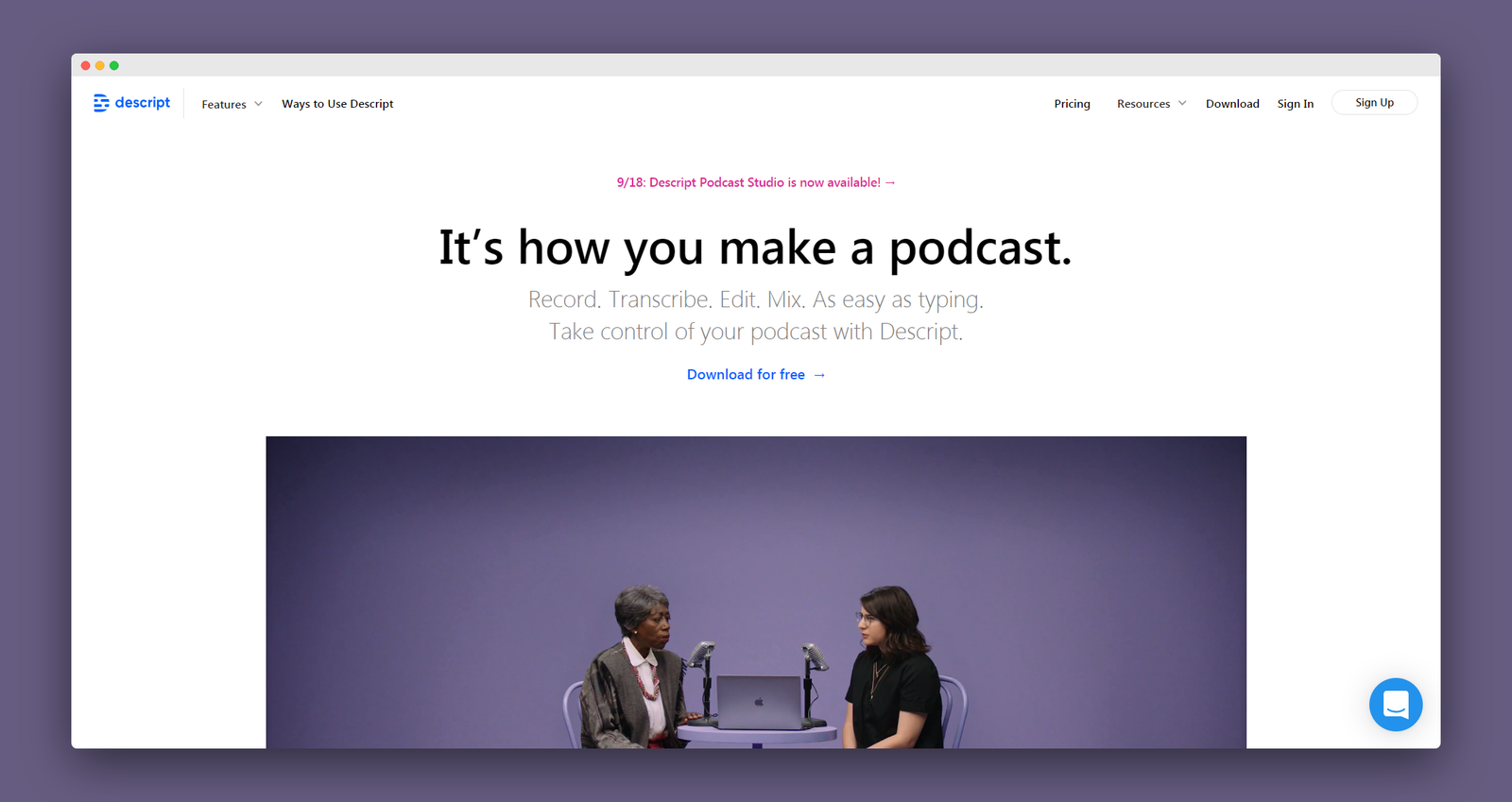
Edit audio by editing text. Drag and drop to add music and sound effects. Use the Timeline Editor for fine-tuning with fades and volume editing. Live Collaboration: Real time multiuser editing and commenting. Record. Transcribe. Edit. Mix.
The NoCode.Tech Verdict on
Descript

Explore our rating
Explore our rating

How do I know which tool is right for me?
How do I know which tool is right for me?
When considering a no-code tool, we always recommend taking four key factors into account: ease of use, flexibility, design freedom, and cost-effectiveness.
Ease of use. How quickly can a non-technical person get productive with this tool? This is usually the most important factor if you are just getting started.
Flexibility. Can the tool handle the logic, integrations, and custom functionality your project needs as it grows?
Design freedom. Some tools give you pixel-level control, while others intentionally trade that away for speed and safer defaults.
Cost-effectiveness. Think about the real cost to launch and scale, not just the starting plan. A low score in one category does not make a tool bad, it usually just means it is optimized for a different type of builder.
Find out more about
Descript



Pricing options for
Descript

$
0
Free
- 3hrs of transcriptionFull audio & video editing
- Unlimited screen recordings
- Overdub trial
- Studio Sound effect

$
15
Creator
Everything in Free, plus...
- 10hrs of transcription / month
- Watermark-free video export

$
30
Pro
Everything in Creator, plus...
- 30hrs of transcription / month
- Unlimited Overdub
- Filler Words Pro
- Audiograms Pro
- Publish Pro
- Batch file export
- Custom drive & page branding