
November 11, 2021

Build a Customer Portal without coding

A quick guide to custom building a customer portal, no code required.
STEP 1

Build your customer portal's database

Airtable

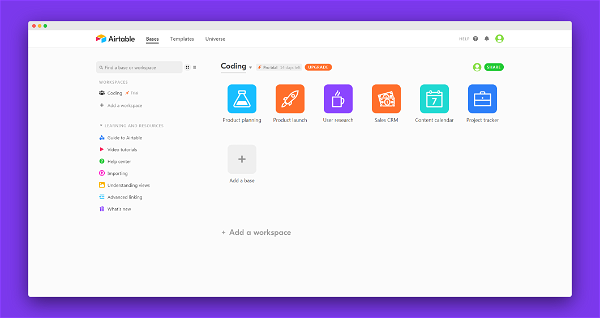
Arguably the most popular no-code database tool, Airtable functions like a Google Sheets or Microsoft Excel spreadsheet with the features of a database. An essential on the tool-belt of any NoCoder.

VISIT
Stacker

Having recently launched their native database tool, Stacker is now a true all-in-one customer portal solution. Want to use a different one? No problem, Stacker also connects to 60 other data sources.

VISIT

STEP 2

Choose your customer portal tool
Stacker

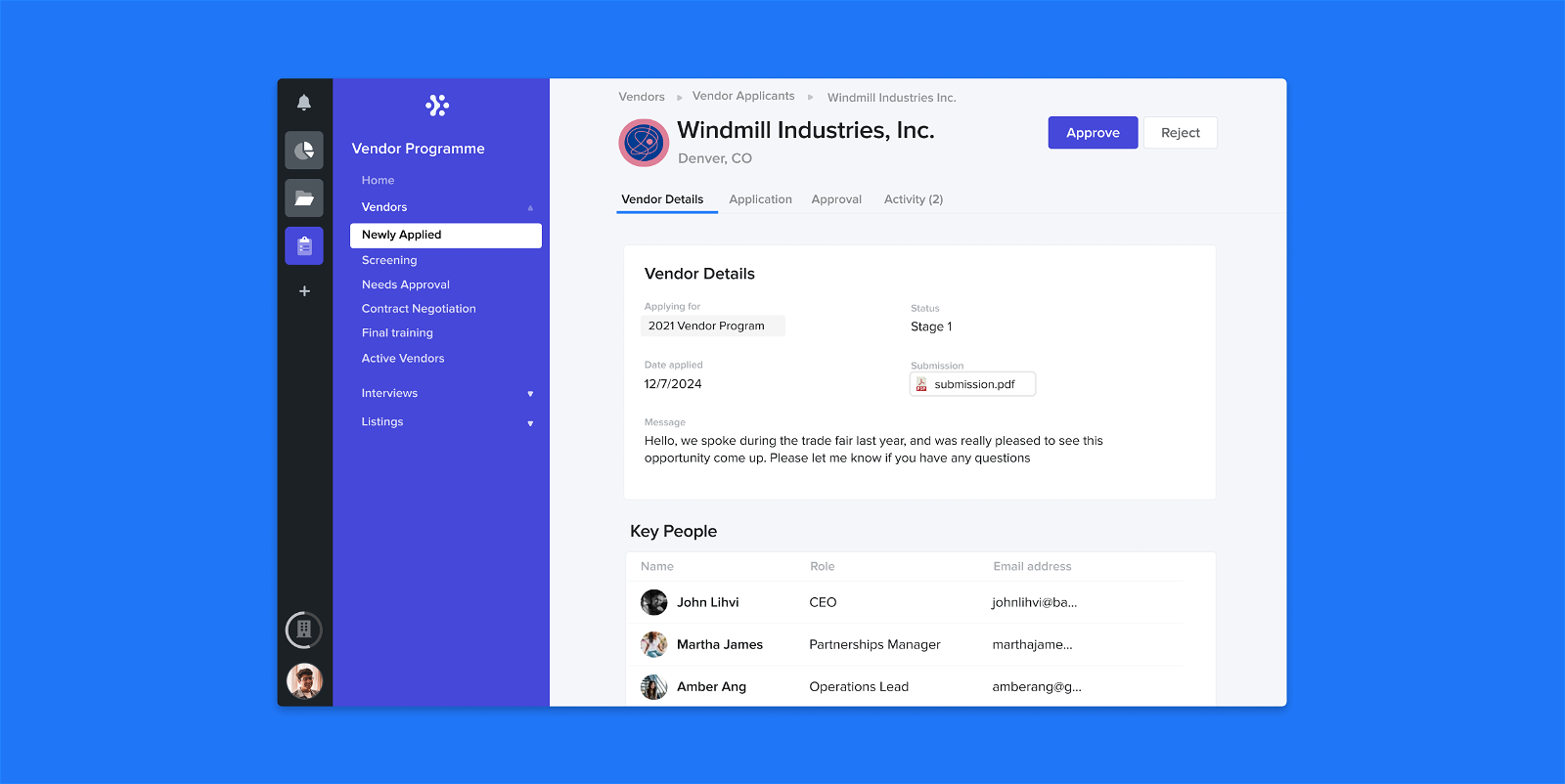
Stacker is incredibly slick, quick and easy to build customer portals with. Simply integrate it with a popular database tool like Airtable, choose a layout, and you're good to go.

VISIT
Glide

Easy to use and accessible, Glide is a great choice for anyone with little no-code experience. While lacking total design freedom, Glide can make any customer portal look beautiful while also being responsive.

VISIT
Bubble

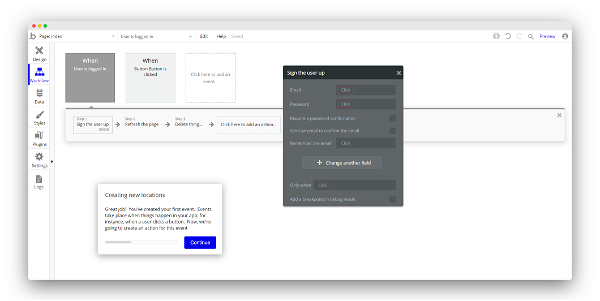
If you want to build a complex customer portal from scratch, try Bubble. Bear in mind, Bubble has a high learning curve, so your portal (while fully custom) may take some time to build.

VISIT

STEP 3

Add the Finishing Touches to your Customer Portal
Zapier

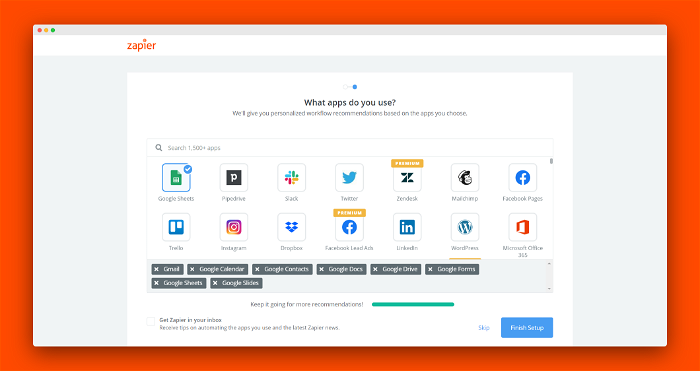
Zapier helps your web app do more by connecting up your other tools. You can connect Webflow forms to send data into your Airtable database, for example

VISIT
GetSiteControl

GetSiteControl provide a suite of surveys, forms and pop-ups to help you engage with your audience. Their optional live chat feature is a handy add-on

VISIT
Tuemilio

Newcomer Tuemilio lets you add a simple email collection and wait-list to your web app. Perfect if you're launching a product and want to add viral marketing

VISIT