


Webflow Just Shipped AI Code Components — And It Changes Everything About No-Code's Ceiling
Webflow's new AI Code Components let anyone describe an interactive element in plain English and get a production-ready React component on the canvas. The no-code ceiling just disappeared.

Table of Contents
The single most common criticism of no-code tools has always been the same: "Yeah, but what happens when you need something custom?" As of April 30, Webflow has an answer. AI Code Components lets anyone describe an interactive element in plain English and get a production-ready React component rendered directly on the Webflow canvas. No IDE. No npm install. No hiring a freelance developer for a three-week engagement to build you a pricing calculator.
This is the feature that makes the "customisation ceiling" argument feel outdated.
So what actually is this?
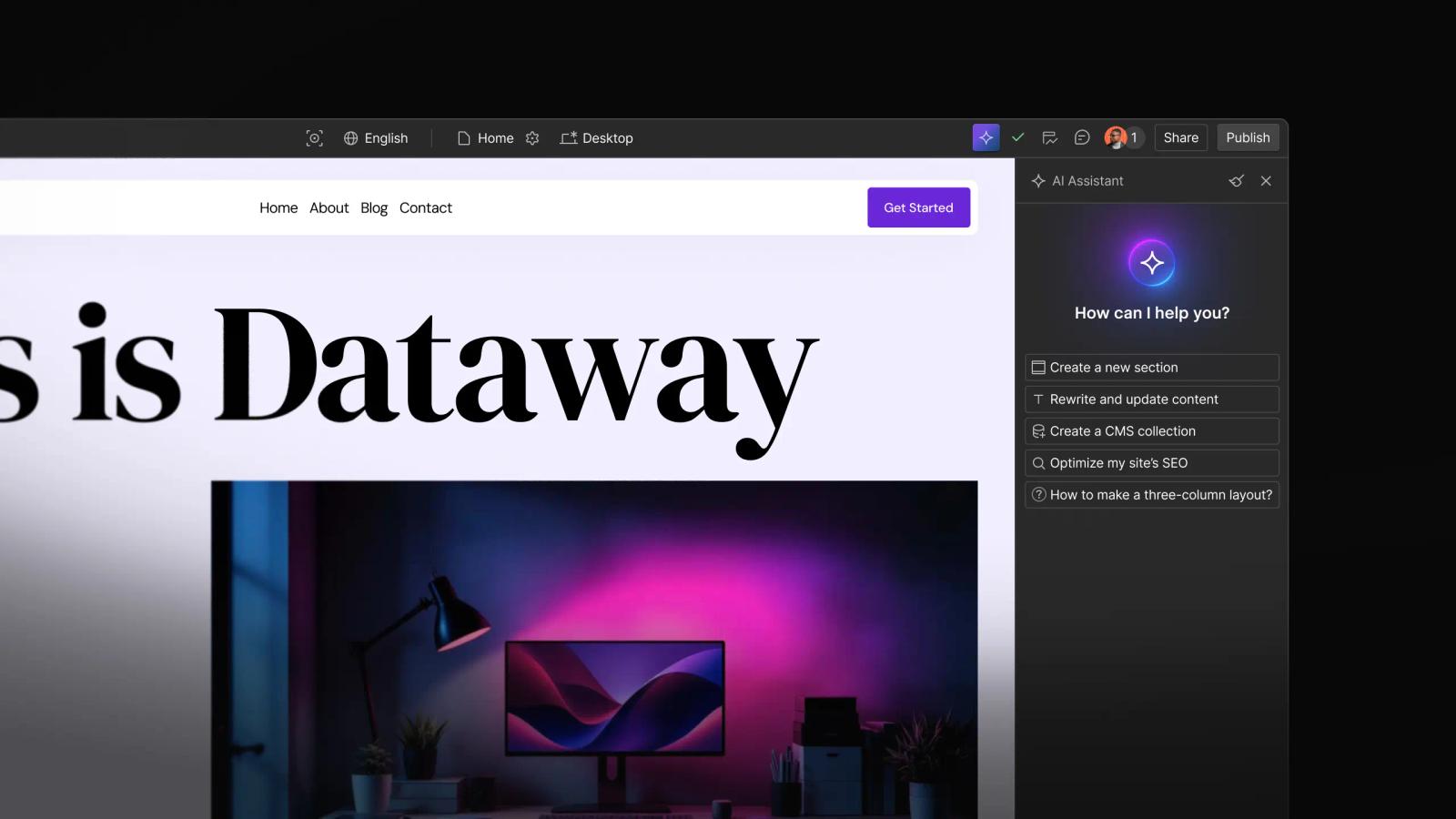
The workflow is dead simple. Inside the Webflow Designer, you open the AI Assistant, describe what you want ("a tabbed pricing calculator with monthly and annual toggle" or "an interactive before/after image slider"), and the AI generates a fully functional React component. It appears on your canvas like any other element. You can move it, resize it, slot it into your layout.
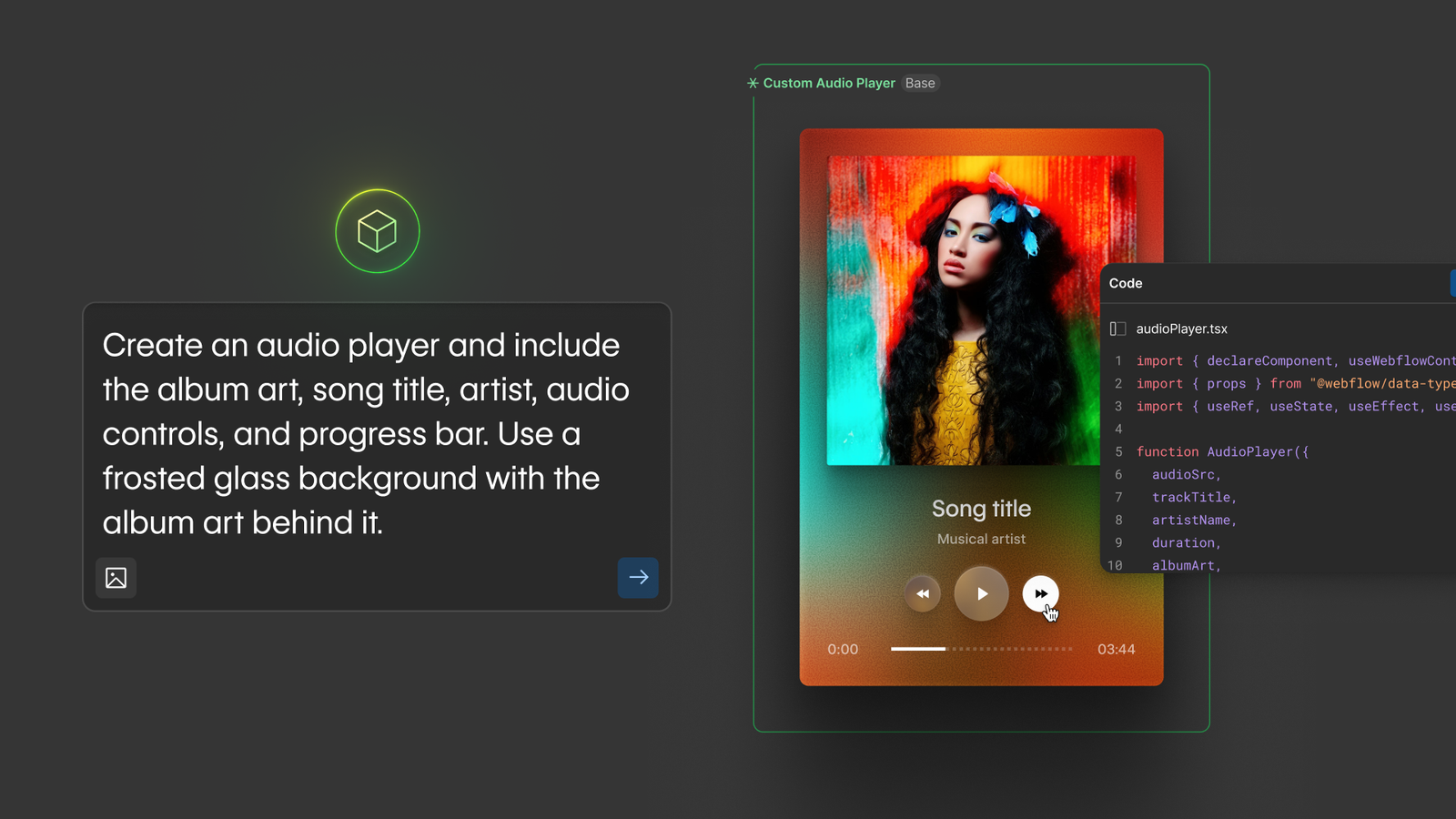
Because the AI Assistant automatically reads your site's existing design tokens (your fonts, colours, spacing variables), the generated component matches your design system without manual tweaking. You're not getting a generic white-box widget dropped into your carefully art-directed page. You're getting something that looks like it belongs.
Once you've built a component, you can save it to your shared Workspace library and reuse it across any site in your account. That reusability is what separates it from a party trick.
What can you actually build with it?
Webflow's own examples include pricing calculators, multi-step forms, image galleries, on-page quizzes, job boards, and interactive data visualisations. The Reddit community has been sharing more adventurous builds: 3D globes, custom video players, date pickers, animated counters.
The common thread is interactivity. These are the elements that Webflow's native components have never handled well. You could always build a beautiful static page in Webflow, but the moment you needed a carousel with custom transition logic, or a calculator that responded to user input, you hit the wall. You'd either paste a janky embed code snippet, wire up some fragile custom code, or accept that this particular thing required a developer.
Describing what you want and watching it appear on your canvas, in your design system, ready to publish? That collapses a workflow that used to take days into minutes.
Why this matters more than a feature update
Every no-code platform has faced the same credibility problem since the beginning: serious builders treat them as prototyping tools because eventually you'll need something the visual editor can't do. That moment, the ceiling, is where projects either get abandoned, get expensive, or get rebuilt in code.
Webflow's AI Code Components doesn't just raise the ceiling. It removes the concept of a fixed ceiling entirely. If you can describe what you want, you can build it. The constraint is no longer "what does the platform support?" but "what can you articulate?"
That changes the entire value proposition of the platform, because Webflow is the tool that professional designers and agencies already take seriously. When Webflow says "you don't need a developer for custom interactive components anymore," that carries weight in a way that the same claim from a smaller tool wouldn't.
How it compares to the old approach
Before this, you had three options when you hit Webflow's customisation limit:
- Custom code embeds. Paste HTML/CSS/JS into an embed block. Fragile, hard to maintain, doesn't inherit your design system, breaks when you redesign. Anyone who's managed a Webflow site with a dozen embed blocks knows the pain.
- Hire a developer. Expensive, slow, creates a dependency. Every time you want to tweak the component, you're back in their queue.
- Abandon Webflow entirely. Rebuild in Next.js or similar. Throws away all the visual design work and the CMS content structure you've already built.
AI Code Components makes all three of those options feel like workarounds from a previous era. The generated components live natively in the Designer, inherit your design tokens, and can be iterated on by anyone with access to the AI Assistant. No code knowledge required to modify them, you just describe what you want changed.
What are the limitations?
It's not all magic. A few things to know:
The AI code generation is currently free while in beta, but Webflow has said pricing and availability may change when they transition out of beta. So if you're building a workflow around this, be aware that costs could appear later.
You need a paid Workspace or CMS/Business/eCommerce site plan to publish a site containing AI code components. You can build and preview on any plan, but publishing requires a paid tier. The Designer role is required to create components.
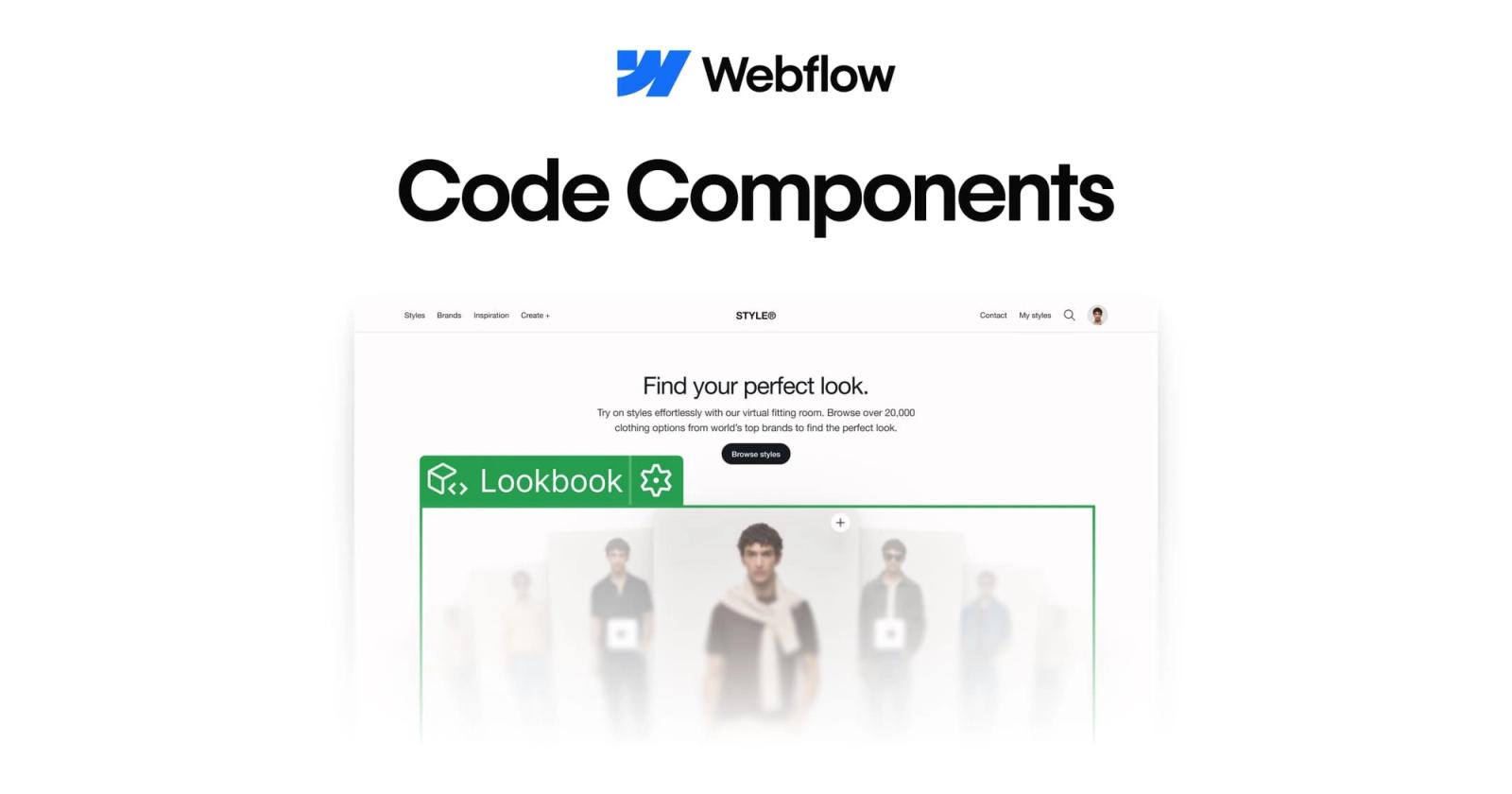
React under the hood means great performance and ecosystem compatibility, but it also means client-side JavaScript on every page where you use these components. For simple marketing sites where you want zero JS overhead, that's a trade-off worth considering. A pricing calculator is fine. Wrapping your entire nav in a React component because you wanted a slightly different hover animation? Probably overkill.
And like any AI-generated code, the output quality depends on your prompt. Vague descriptions produce vague components. The community feedback suggests that specific, detailed prompts ("a three-column pricing table with a toggle between monthly and annual, where the recommended plan has a highlighted border and the toggle animates smoothly") produce much better results than generic ones ("make me a pricing section").
Where no-code goes from here
The entire no-code industry is converging on the same insight, and Webflow isn't alone in making this move: AI is the bridge between visual building and full customisation. Instead of expanding the native component library forever (an impossible task), you give users a way to generate exactly what they need on demand.
Webflow's implementation is the most polished version of this idea I've seen, though, and the design token inheritance is why. Generated components don't feel like foreign objects pasted into your site. They feel native. You'd actually ship these to production rather than filing them under "we'll rebuild this properly later."
For agencies and freelancers, this collapses the gap between "what the client wants" and "what I can deliver without a developer." For in-house marketing teams, it means fewer tickets filed to engineering for interactive landing page elements. For solo builders, it means the thing you imagined is now the thing you can build, today, without learning React.
The takeaway:
The customisation ceiling was no-code's biggest vulnerability, and Webflow just made it mostly irrelevant. If your reason for not using no-code tools was "I'll eventually need something custom," you should probably revisit that assumption.
The remaining constraint is prompt quality. Describe something specific and you'll get something good. Describe something vague and you'll get something vague. That's a skill worth developing.
AI Code Components is available now for all Webflow customers. Go try describing something you thought you'd need a developer for.
Want to read
more articles
like these?
Become a NoCode Member and get access to our community, discounts and - of course - our latest articles delivered straight to your inbox twice a month!


